
Updated October 26, 2026
Speed and Treadmill Upgrades
Find the treadmill, recognize training gains and use hatch warnings to choose a practical Speed goal.
§Find the treadmill beside the base plots#
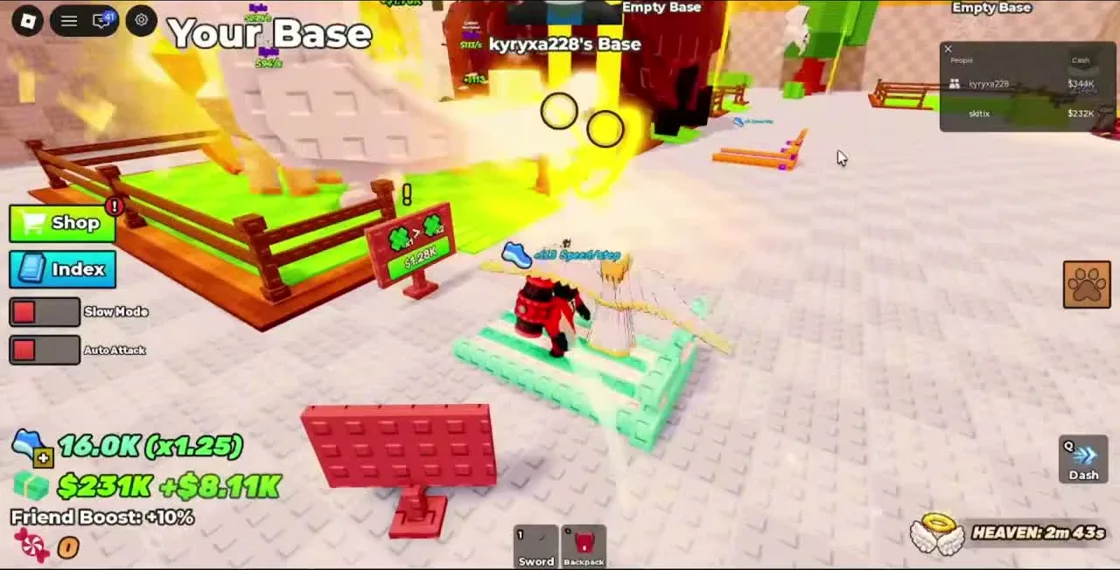
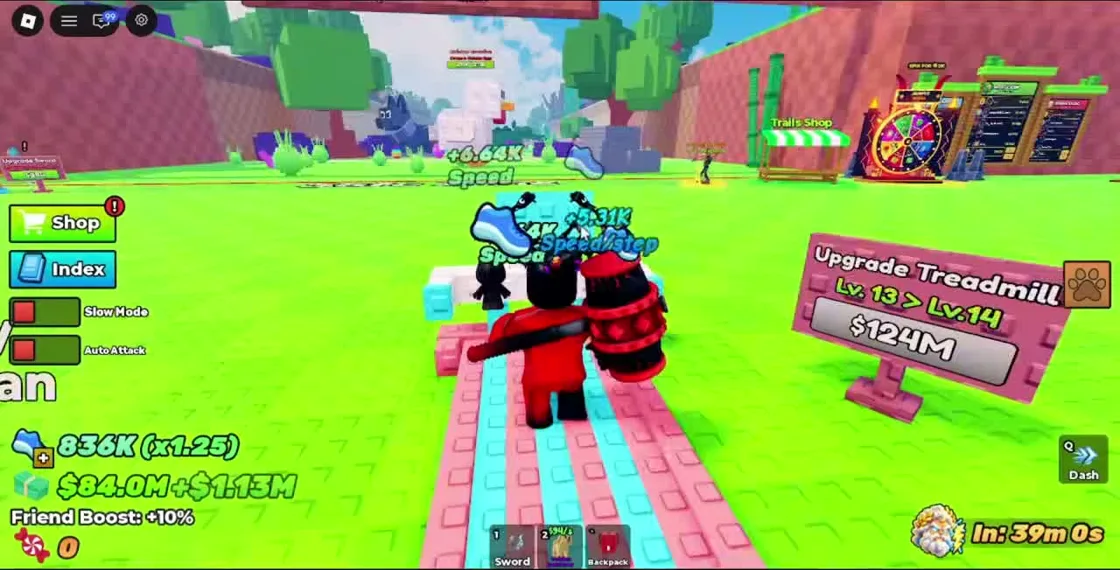
The recording shows a treadmill on the path near Your Base, with an Upgrade Treadmill sign beside it. When the character stands and runs on the belt, floating Speed gains appear above the character. The blue shoe total at the lower left tracks the player’s Speed.
Use the moving belt and visible Speed gains as a confirmation that training is active. If no gain appears, check that your character is positioned on the treadmill rather than standing beside its sign. The footage demonstrates this UI state; it does not establish a universal gain rate for every player.
§Read the level transition before buying#
The upgrade sign shows a current level, a next level and a cash price. In the reviewed frame it displays a Lv. 13 to Lv. 14 transition. Nearby floating gains show that training is occurring while the sign remains visible.
Use your current sign for the price. A later frame has different levels, balances and boosts, and the video contains abrupt progress changes. Its timestamps cannot be used to calculate normal minutes-to-level, a universal cost curve or an expected earning rate.
§Let a failed hatch set your next training target#
During the Mammoth return in the recording, the game explicitly warns that more Speed is needed to escape with that pet. That is stronger guidance for the attempted run than a zone’s general recommended-Speed sign.
Train, recheck the shoe total, then retry a manageable egg. A warning tied to one pet should stay tied to that pet. The recording does not prove that all pets in the area share the same requirement, or that meeting a single displayed number guarantees a safe return through PvP.
§Check Slow Mode if movement feels different#
Slow Mode is a toggle visible on the left side of the gameplay screen. Its full behavior is not explained by the official description or the selected frames. If movement feels different after touching it, compare its state before another escape attempt.
Dash appears as a Q prompt on the recorded desktop interface. Use the prompt provided on your device, and keep a direct route to the safe zone. A dash should support the route; it does not establish that your training is sufficient for every hatch.
§Continue in this section#
Hub
Slash to Steal an Egg Guides
Find the right walkthrough for hatching, swords, treadmill training and carrying pets safely back to your base.
GuideArticle
Sword Shop and Power Guide
Compare sword Power, purchase options and available skill prompts without relying on an invented weapon tier list.
GuideArticle
Escape Bosses and Bring Pets Home
Understand RUN warnings, pet return messages and the Speed problem behind failed rescues in Slash to Steal an Egg.